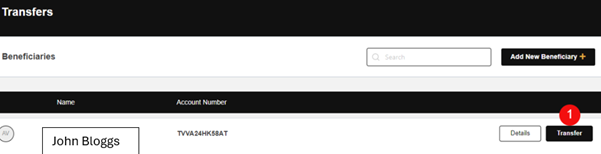
– Click on the “Transfer” button – see number 1.
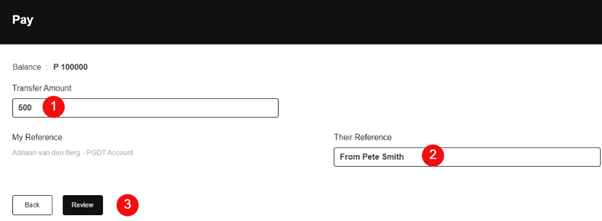
– Enter the Transfer Amount – see number 1.
– Enter their Reference – see number 2.
– Click on the “Review” button – see number 3.
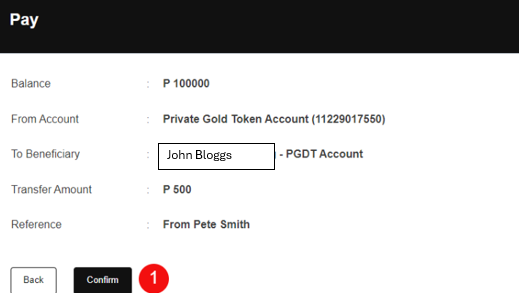
– If the information is correct click on the “Confirm” button – see number 1.
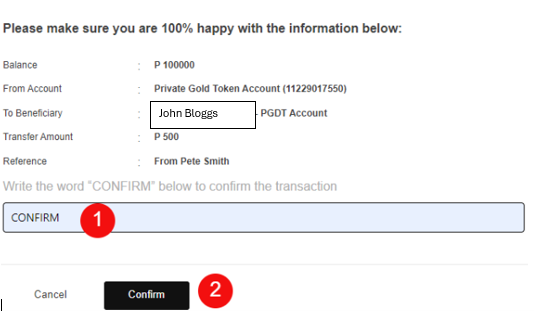
– Confirm the transaction by entering the word CONFIRM in capital letters – see number 1.
– Click on the “Confirm” button – see number 2.
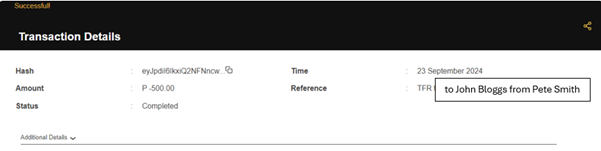
– The transaction details will be displayed
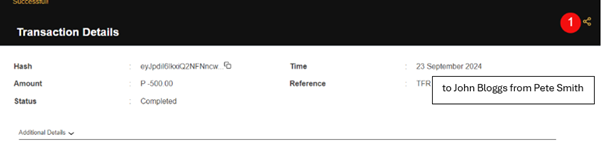
– The transaction details can be downloaded by clicking on the send button – see number 1.
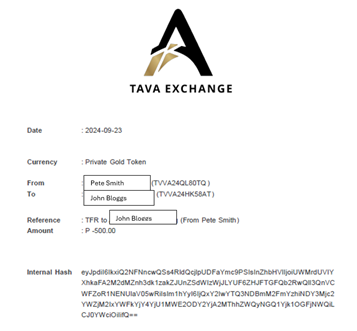
– The below transaction report will be in your “Downloads” on your computer.